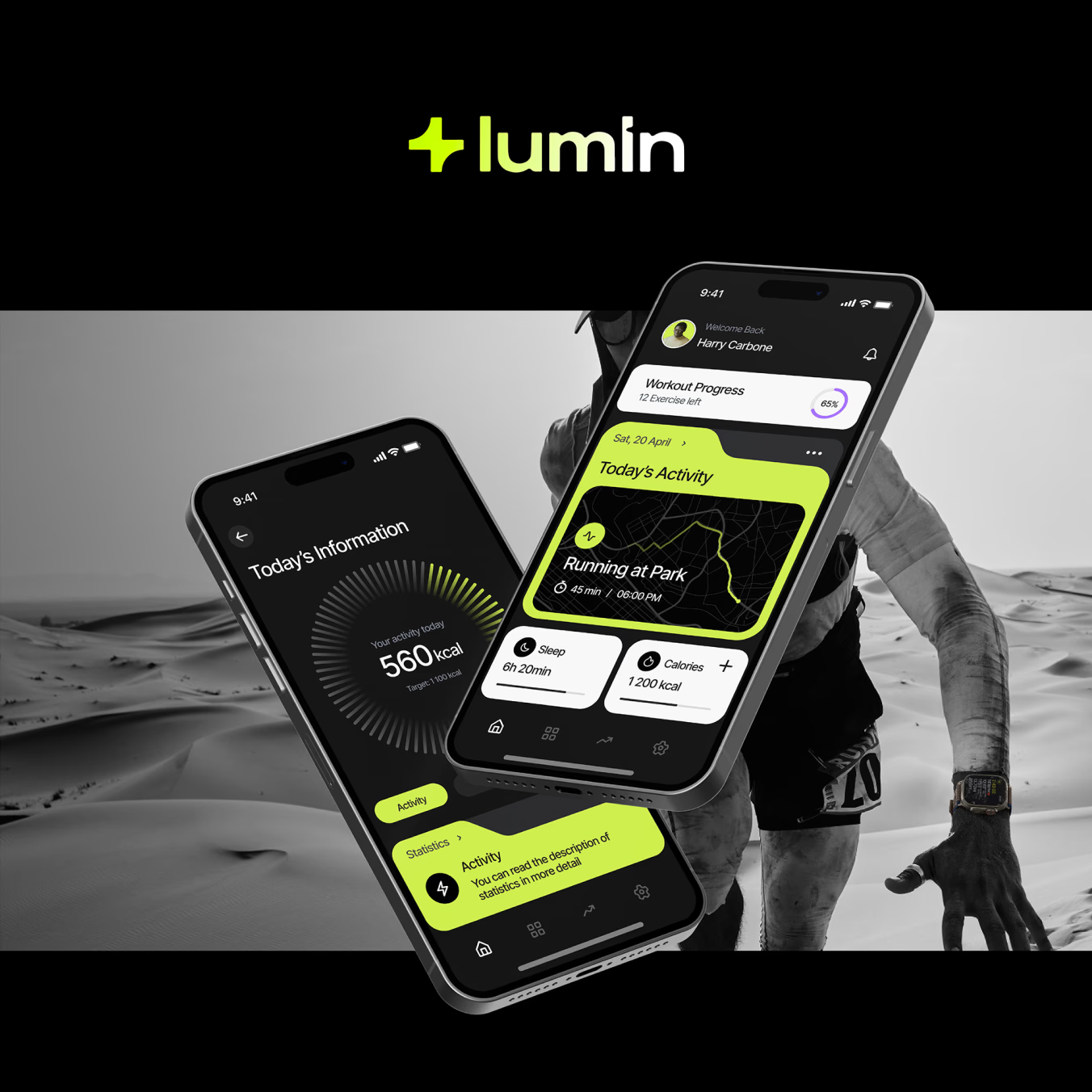
Lumin Mobile App
A fitness tracking app that makes wellness feel effortless
Client
Lumin Mobile App
Industry
Health & Fitness
Services
Timeline
6 weeks
Platform
iOS & Android
The brief
Where we started
Lumin approached us to design a mobile fitness tracking app that would stand out in a crowded wellness market. The app needed to track workouts, nutrition, sleep, and daily wellness goals — while feeling intuitive enough for users who had never used a fitness app before.
Create an intuitive onboarding that gets users tracking within 2 minutes
Design a dashboard that surfaces the most important health metrics at a glance
Build a visual language that feels motivating without being aggressive
The challenge
What we were up against
The fitness app market is oversaturated with complex, intimidating interfaces. Most apps overwhelm users with data, charts, and features on day one — leading to high abandonment rates within the first week. Lumin needed to be the opposite: calm, focused, and gradually revealing complexity as users build habits.
The core UX challenge was progressive disclosure — showing just enough to be useful without overwhelming, while still offering depth for power users who want detailed analytics.
“Too many numbers, not enough guidance.”
The #1 complaint from 15 casual fitness enthusiasts interviewed in research
What was at stake
If Lumin shipped with the same complexity as its competitors, it risked the same first-week abandonment rates plaguing the category — no amount of marketing spend fixes a product people delete after day two.
Our approach
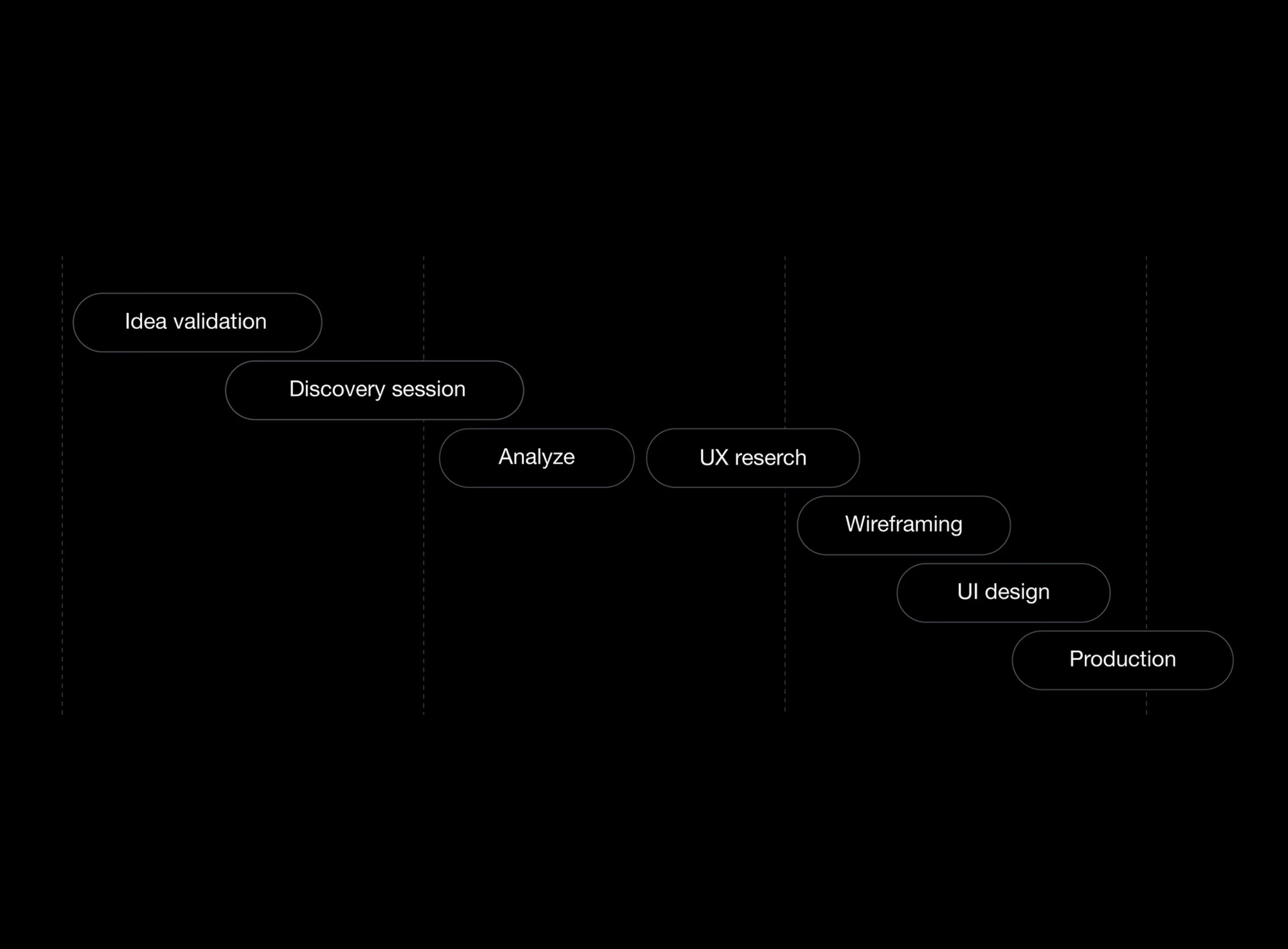
How we tackled it
Every decision traced back to one principle: reveal complexity gradually, never all at once.
Step 1
User Research
We interviewed 15 casual fitness enthusiasts (not gym-goers) to understand their pain points with existing apps. The #1 complaint: 'Too many numbers, not enough guidance.'
Step 2
Information Architecture
We mapped every feature into three tiers: essential (always visible), secondary (one tap away), and advanced (settings/deep-dive). This hierarchy drove every screen layout.
Step 3
Visual Design
A soft, warm color palette with generous whitespace and rounded shapes — designed to feel like a wellness companion, not a drill sergeant. Custom illustrations for empty states and achievements.
Step 4
Prototyping & Testing
We built a fully interactive Figma prototype covering 40+ screens and tested it with 8 users. Iterated on the onboarding flow 3 times before finalizing.
The solution
The work, up close
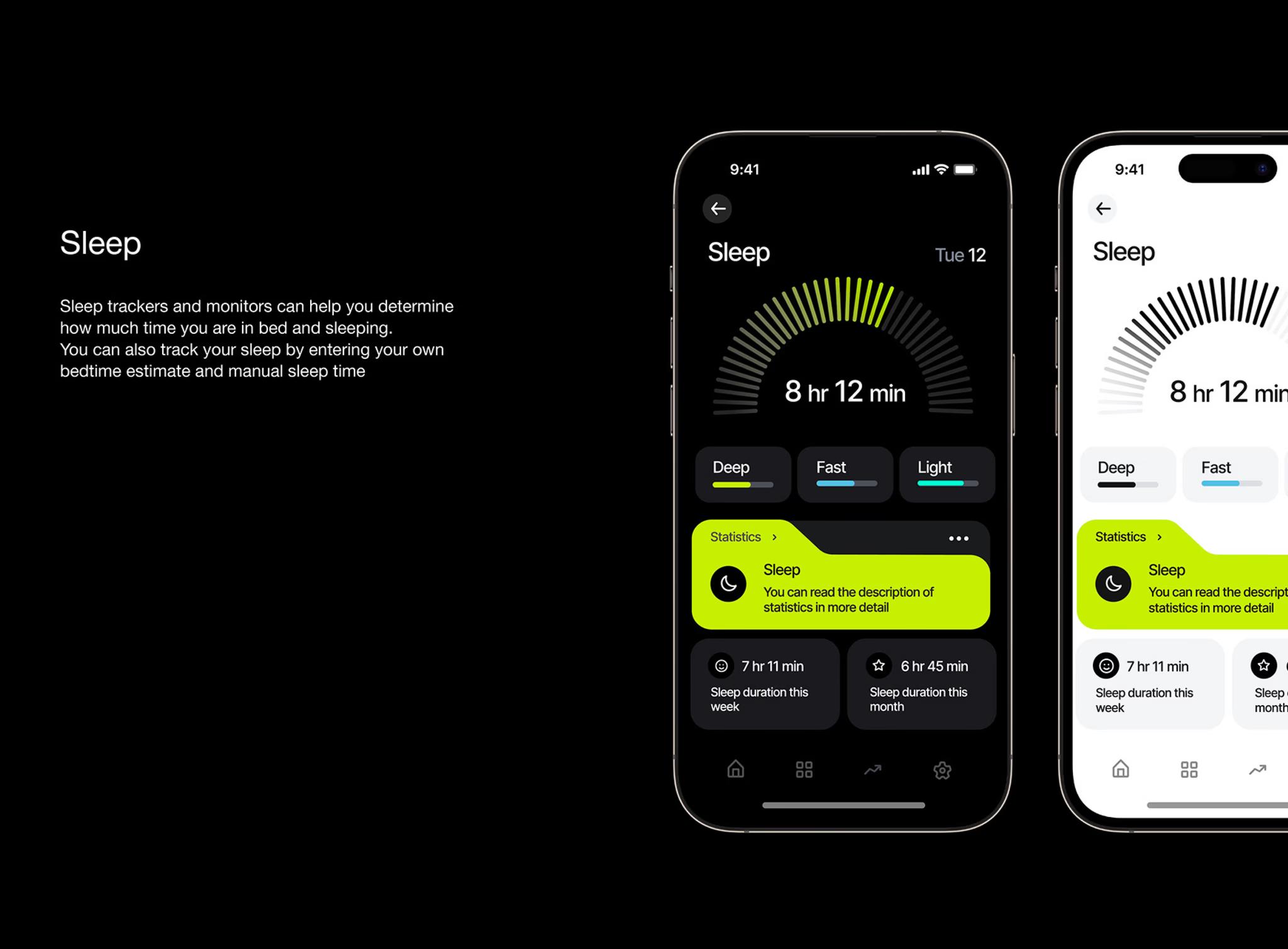
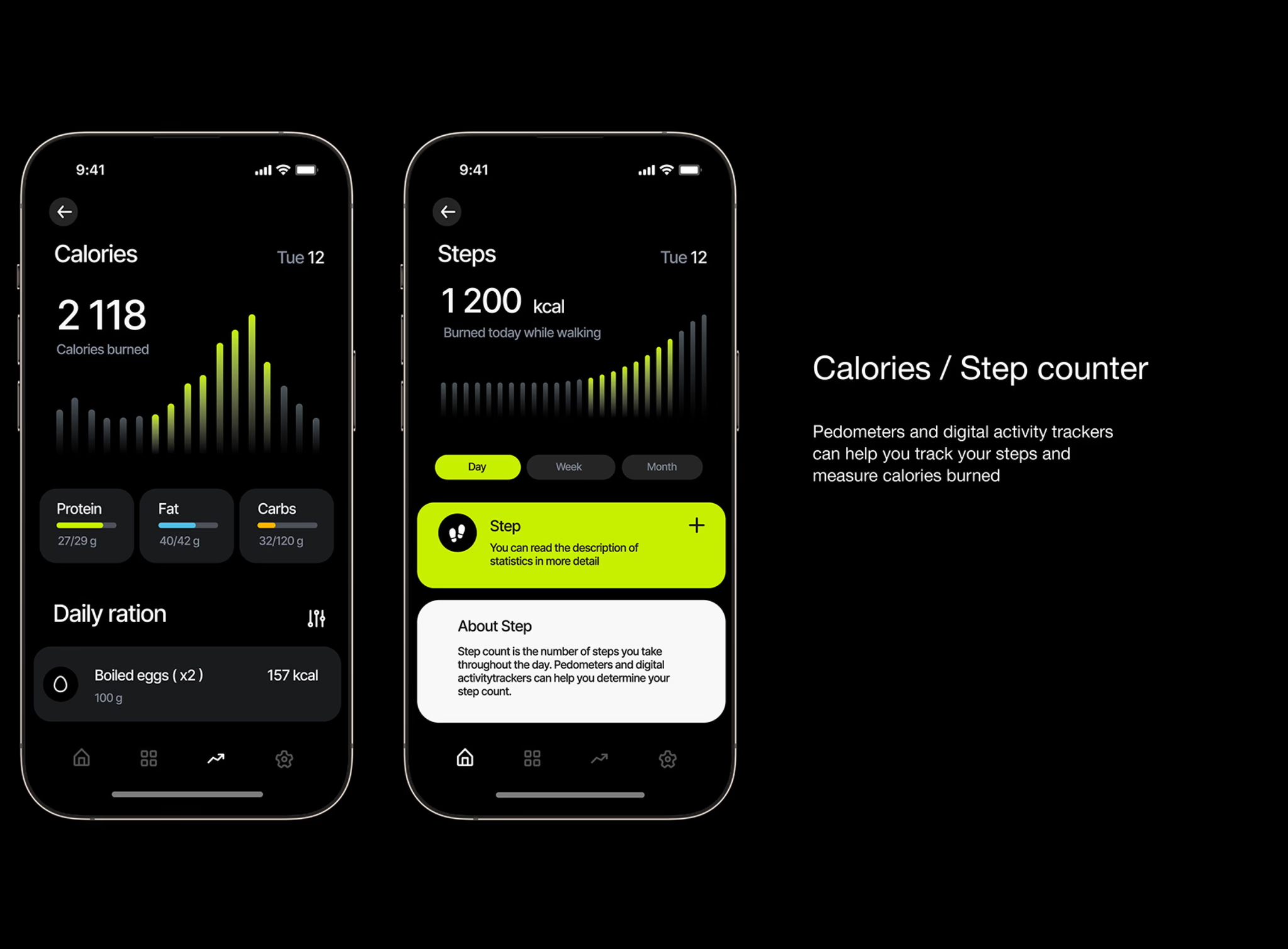
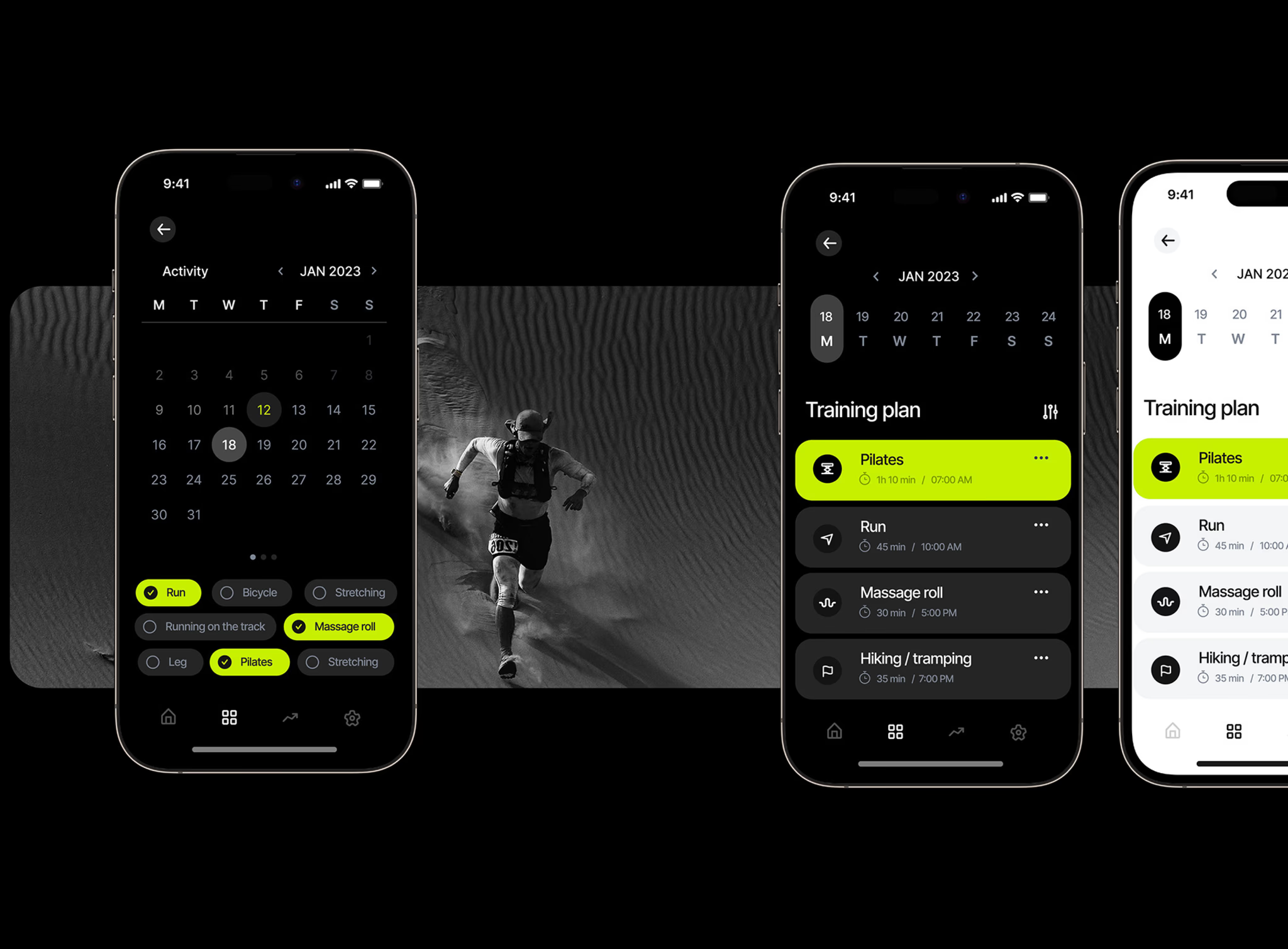
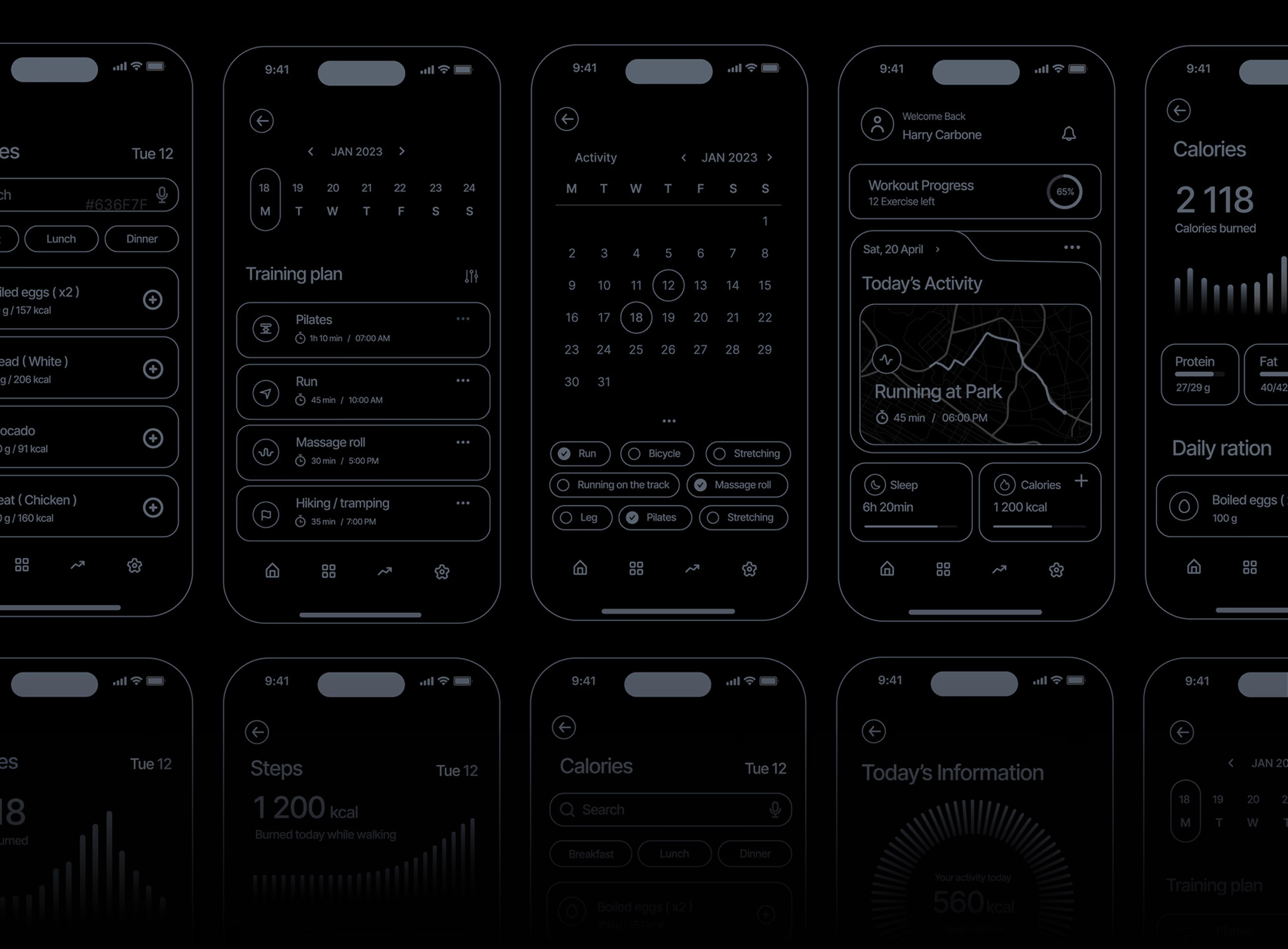
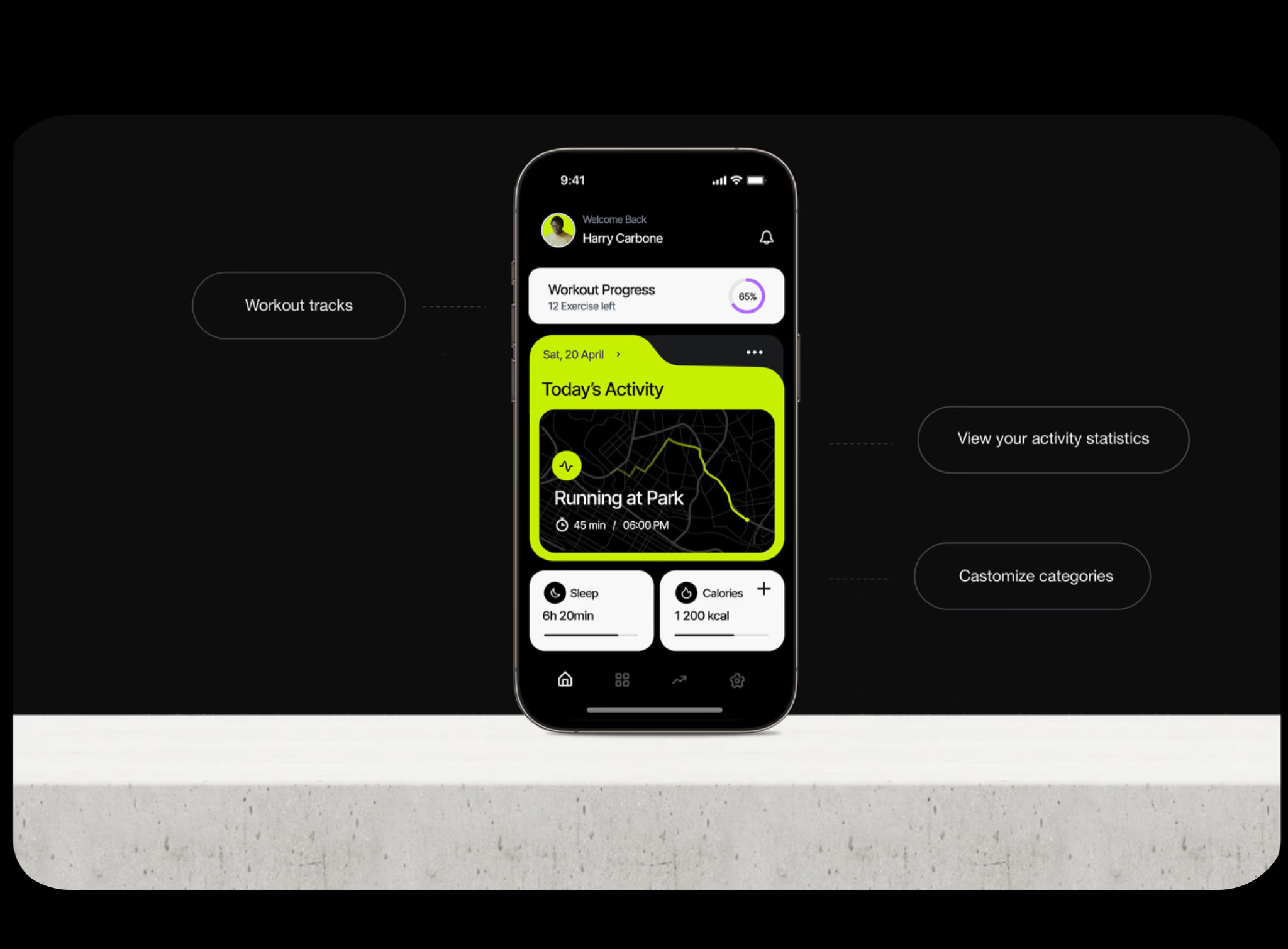
A complete mobile app design covering onboarding, home dashboard, workout tracking (with exercise library), nutrition logging, sleep tracking, goal setting, progress reports, social challenges, settings, and a notification system.
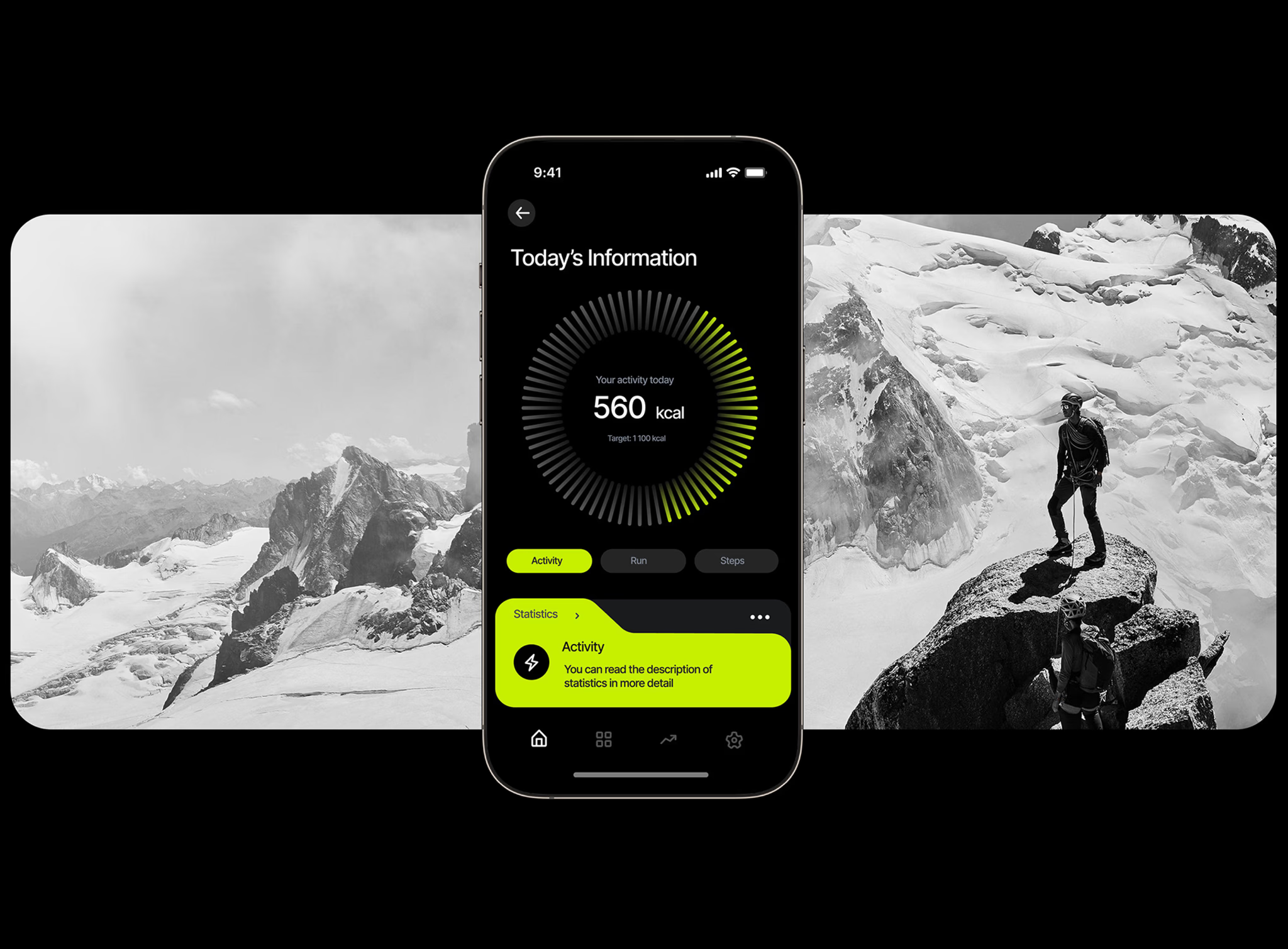
The home dashboard uses a 'daily ring' metaphor — three concentric rings (movement, nutrition, rest) that fill throughout the day. Users see their progress at a glance without reading a single number.
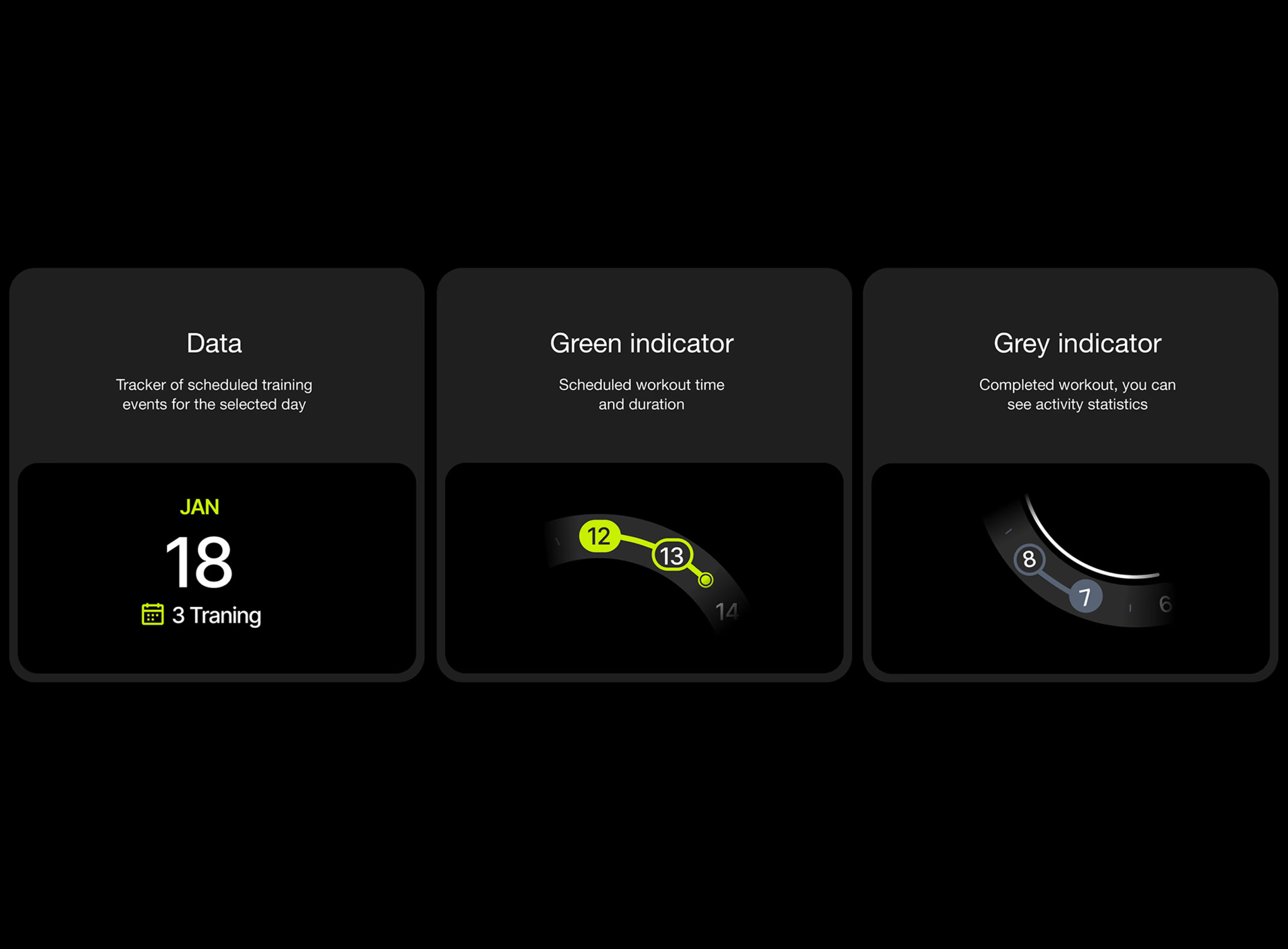
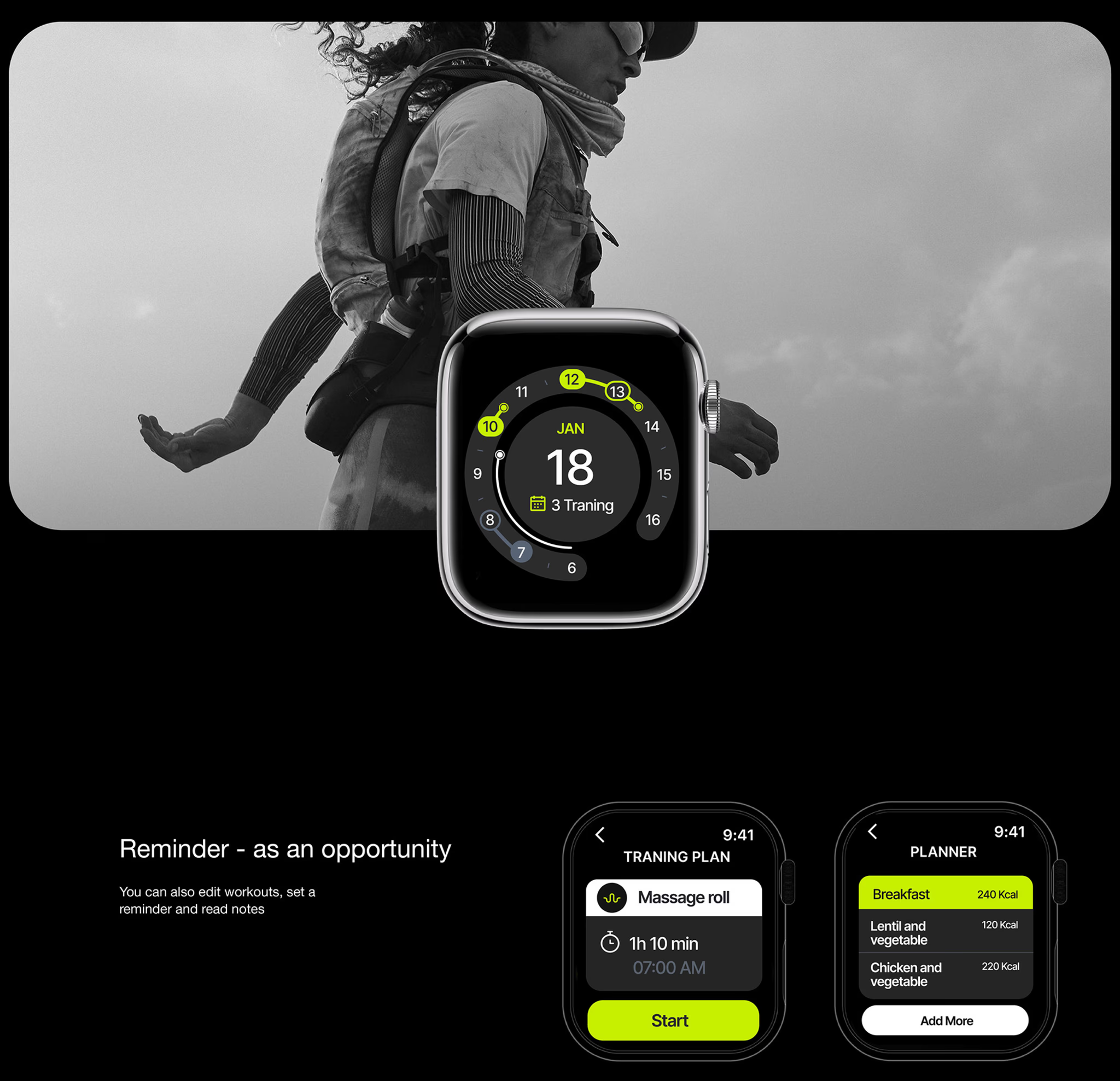
Workout tracking uses a smart timer with visual exercise demonstrations. Nutrition is simplified to meal photos + quick macros (not calorie counting). Sleep tracking integrates with device sensors and shows trends, not just last night's data.
Daily Ring Dashboard
Three concentric progress rings (movement, nutrition, rest) that give instant visual feedback without cognitive load.
Smart Onboarding
A 4-screen setup that personalizes the experience based on fitness goals, dietary preferences, and sleep schedule.
Habit Streaks
Gamified consistency tracking with custom illustrations for milestones (7-day, 30-day, 100-day streaks).
Design details
Under the hood
Typography
SF Pro Display for headings, SF Pro Text for body — native iOS feel with custom weight pairings for hierarchy.
Color palette
Components
40+ reusable components in a Figma design system: cards, charts, buttons, inputs, modals, bottom sheets, and custom icons.
Responsive design
Every screen designed mobile-first for iOS and Android from day one — no desktop-first retrofitting.
The results
What it delivered
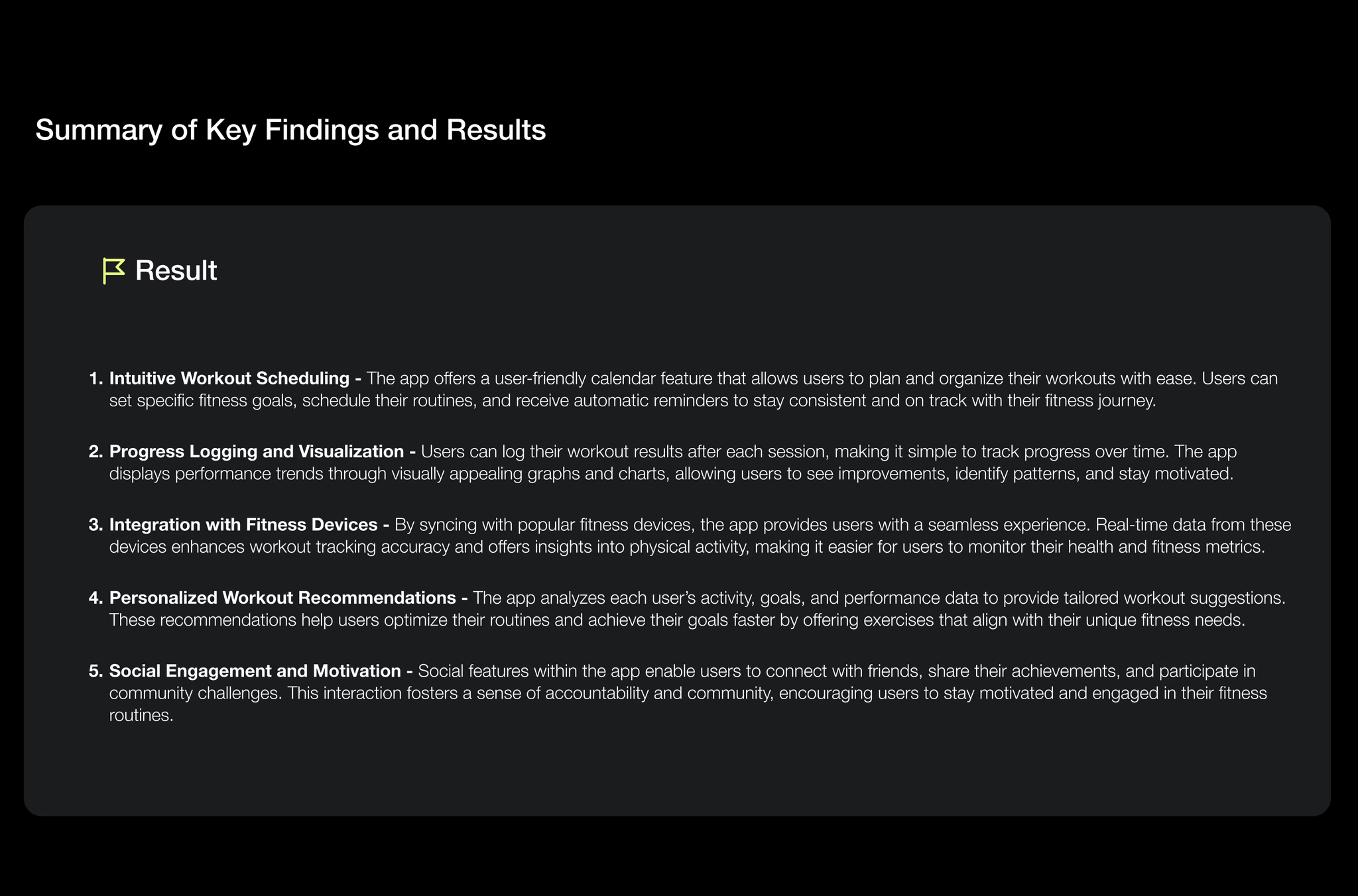
40+ screens designed across all core features
Complete Figma design system with 40+ reusable components
Interactive prototype tested with 8 real users
Developer-ready handoff with specs, assets, and animation notes
Lumin now has a complete, developer-ready mobile app design that treats onboarding and daily engagement as seriously as the workout-tracking features themselves.
“Placeholder client quote — replace with real words before launch.”
Tools & technologies
What we built it with
FigmaFigma PrototypingAdobe Illustrator