MineBit — Mining Rewards Dashboard
Making mining-rewards data readable for players who aren't engineers
The brief
Where we started
MineBit needed a mining rewards dashboard giving players real-time visibility into hashrate, gaming rewards, hardware status, and pool performance — without the typical engineer-built complexity of mining dashboards.
Make mining data legible to casual players, not just technical miners
Organize hashrate, hardware, rewards, and history into clear, scannable zones
Design a dark theme comfortable for long monitoring sessions
The challenge
What we were up against
Mining dashboards are typically built by engineers for engineers — data-heavy, ugly, and hard to navigate. MineBit needed a dashboard that both technical miners and casual players chasing gaming rewards could understand, without stripping out the depth serious miners rely on to monitor hardware health.
The dashboard also needed to hold up over long viewing sessions — miners and reward-chasers alike tend to leave this screen open for hours, so visual fatigue and eye strain were real design constraints, not cosmetic preferences.
4
distinct data zones (mining stats, hardware, rewards, history) replacing one dense, undifferentiated data dump
What was at stake
A dashboard that only technical users could parse would cap MineBit's addressable audience to hardcore miners, missing the larger casual-rewards segment entirely.
Our approach
How we tackled it
We catalogued every data point the previous concept surfaced and sorted it by whether a casual player or only a technical miner actually needs it.
Step 1
Dual-Audience Data Audit
We catalogued every data point the previous concept surfaced and sorted it by whether a casual player or only a technical miner actually needs it.
Step 2
Zone-Based Dashboard Layout
Information was organized into clear zones: real-time mining stats at top, hardware monitoring center, rewards breakdown right, historical charts below.
Step 3
Dark Theme for Long Sessions
A dark theme was specifically tuned to reduce eye strain during the multi-hour monitoring sessions typical of this audience.
Step 4
Progressive Technical Depth
Casual-relevant numbers (rewards, payouts) surface first, with technical hardware diagnostics available a click deeper for miners who want them.
The solution
The work, up close
The comprehensive rewards dashboard includes real-time hashrate monitoring, GPU/ASIC health tracking, a rewards calculator, pool comparison, and payout history — all in a clean, dark-mode interface.
The zone-based layout means a casual player can glance at the dashboard and immediately understand 'am I earning, and how much,' while a technical miner can drill into GPU temperature, pool latency, and hardware diagnostics without those details cluttering the default view.
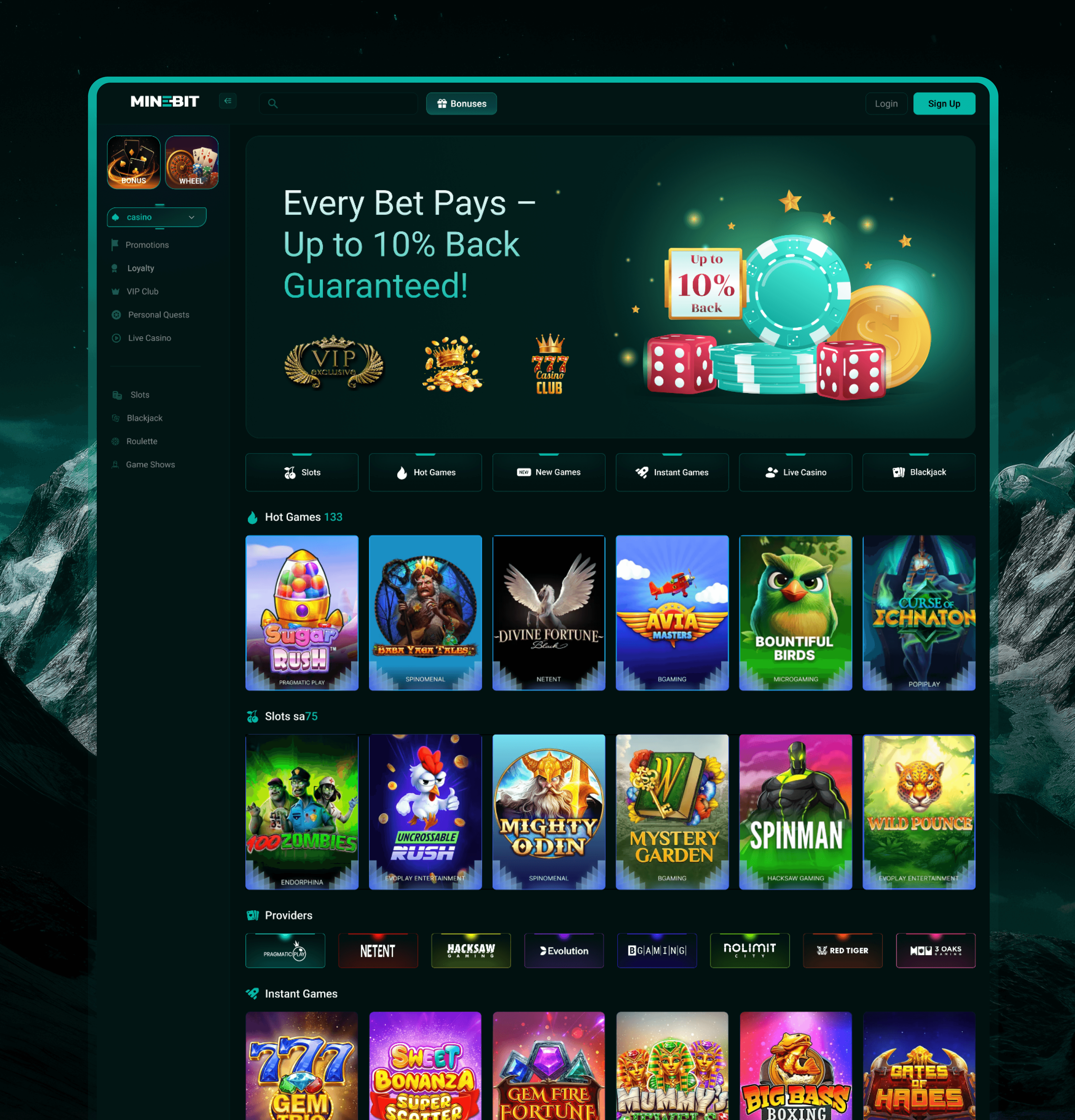
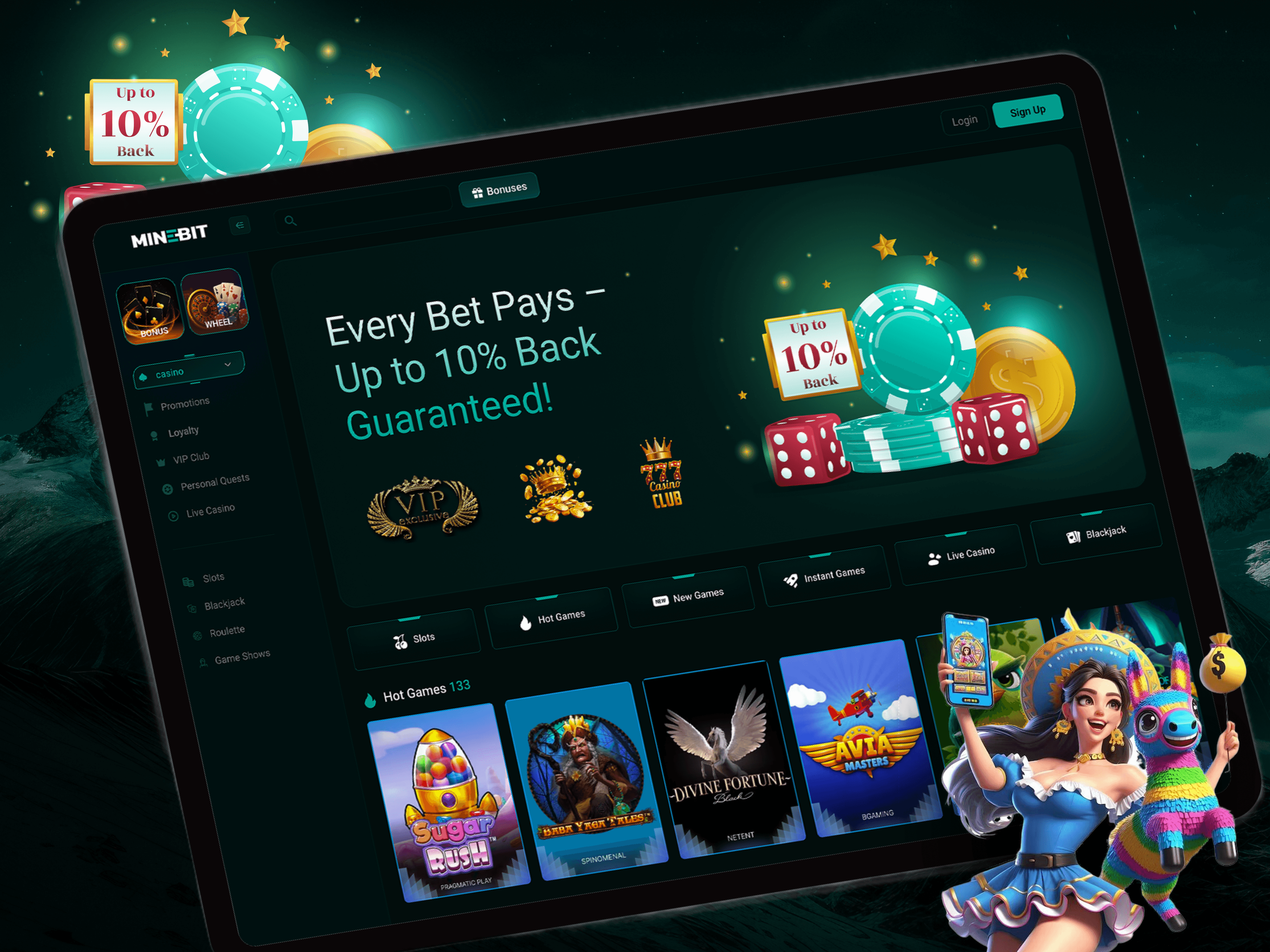
Zone-Based Dashboard Layout
Mining stats, hardware health, rewards, and history are each given a clear dedicated zone, replacing a single undifferentiated data dump.
Progressive Technical Depth
Casual-relevant numbers surface first; hardware diagnostics sit one click deeper for miners who actually need them.
Session-Comfortable Dark Theme
A dark theme specifically tuned for the multi-hour monitoring sessions typical of both casual and technical users.
Design details
Under the hood
Typography
A monospace-accented numeric display for hashrate and rewards data, paired with a clean sans for labels — data-terminal legibility.
Color palette
Components
28-component dashboard system covering charts, health monitors, and reward widgets.
Responsive design
The 4-zone desktop layout reflows into a prioritized single-column stack on mobile, rewards and hashrate first.
The results
What it delivered
28-component dashboard design system
4-zone layout replacing one dense data dump
Dark theme tuned for multi-hour monitoring sessions
Progressive disclosure separating casual and technical data needs
A dashboard design that makes mining data accessible and beautiful — reducing the learning curve for new players while giving power users the depth they need.
“Placeholder client quote — replace with real words before launch.”
Tools & technologies
What we built it with
FigmaFigma Prototyping