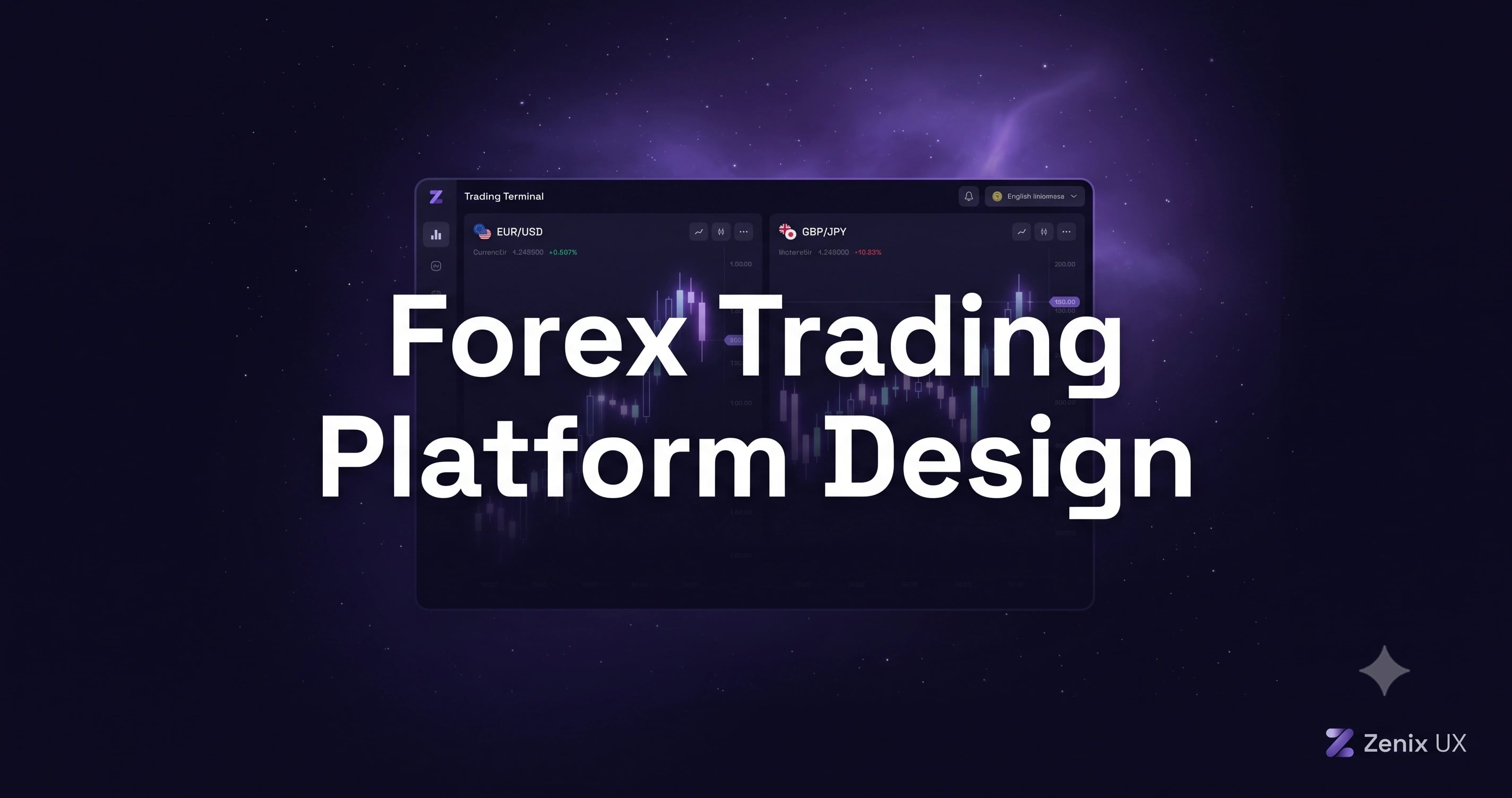
Forex Trading Platform Design: What Retail Traders Actually Need
By Zenix UX · August 4, 2026 · 12 min read
Most forex platform UI still traces its lineage back to institutional trading terminals — dense, technical, built for professionals who trained on them for years. Retail traders are a genuinely different audience, and designing for them the same way is a large part of why so many retail forex platforms have painfully steep learning curves.
The Retail vs. Institutional Design Gap
Institutional traders value density and configurability above almost everything else — they'll invest hours customizing a terminal they'll use for years. Retail traders want to understand what they're looking at within their first few sessions, and abandon platforms that don't get them there quickly. Both are legitimate design targets; the mistake is defaulting to the institutional approach for an audience that needs the other one.
Simplifying Currency Pairs: Presenting 100+ Pairs Without Overwhelm
A flat list of a hundred-plus pairs is intimidating to anyone who isn't already fluent in forex tickers. Grouping by major, minor, and exotic, surfacing a trader's most-traded pairs by default, and making search genuinely fast all reduce that intimidation without hiding any real functionality — the depth is still there, just not forced on every user by default.
Chart Types and Timeframes: What Retail Traders Actually Use
Most retail traders live in candlestick charts on a small handful of timeframes, not the full suite of exotic chart types institutional terminals offer. Defaulting to what's actually used, with advanced options available but not front-loaded, keeps the interface approachable without removing capability for traders who do want it.
Order Entry: Making Market, Limit, and Stop Simple
Order types are where retail traders most often make costly mistakes — placing a market order when they meant a limit, or not understanding how a stop-loss actually behaves. Clear, plain-language descriptions next to each order type, and a visual preview of exactly where a limit or stop will sit relative to the current price, prevent errors that a purely technical labeling scheme invites.
Risk Management UI: Stop Loss, Take Profit, Margin
Margin and leverage are where retail traders get hurt fastest, and the interface has a real responsibility here, not just a design opportunity. Visible margin-level indicators, clear warnings as a position approaches a margin call, and stop-loss/take-profit controls that are impossible to set up wrong all belong in the core flow, not buried in an advanced settings panel.
Economic Calendar Integration
Forex prices move on scheduled news events more than almost any other asset class, and a well-integrated economic calendar — with clear impact indicators — helps retail traders understand why the market's moving, not just that it is. Surfacing upcoming high-impact events directly on the chart, rather than in a separate tab traders forget to check, meaningfully reduces surprise losses.
Copy Trading and Social Trading UI Patterns
Copy trading has become a major on-ramp for newer retail traders, and the UI challenge is presenting a trader's track record honestly — real drawdown history, not just headline returns — so new users can make an informed choice about who to follow rather than chasing an eye-catching number.
The Demo Account: Your Silent Conversion Tool
A demo account that feels identical to the live platform, right down to the same order flow and the same UI, is one of the highest-converting design investments a forex platform can make — traders who get comfortable in demo convert to funded accounts at meaningfully higher rates than those who don't get that on-ramp at all.
Multi-Device Consistency
Desktop, web, and mobile need to feel like the same product — same terminology, same visual language — even as each adapts its layout to the device. We designed XCore Trading and Squared Financial around exactly this principle: a trader shouldn't have to relearn the platform switching from their desk to their phone.
Getting Started
If your platform's retention numbers suggest traders are dropping off during their first few sessions rather than after sustained use, the onboarding-to-first-trade flow is usually where to look. We design trading and fintech platforms, including corporate trading sites like Enpower Trading — get in touch if you want to talk through yours.
Need help with your forex or trading platform?
Let’s talkRelated projects
See it in practice
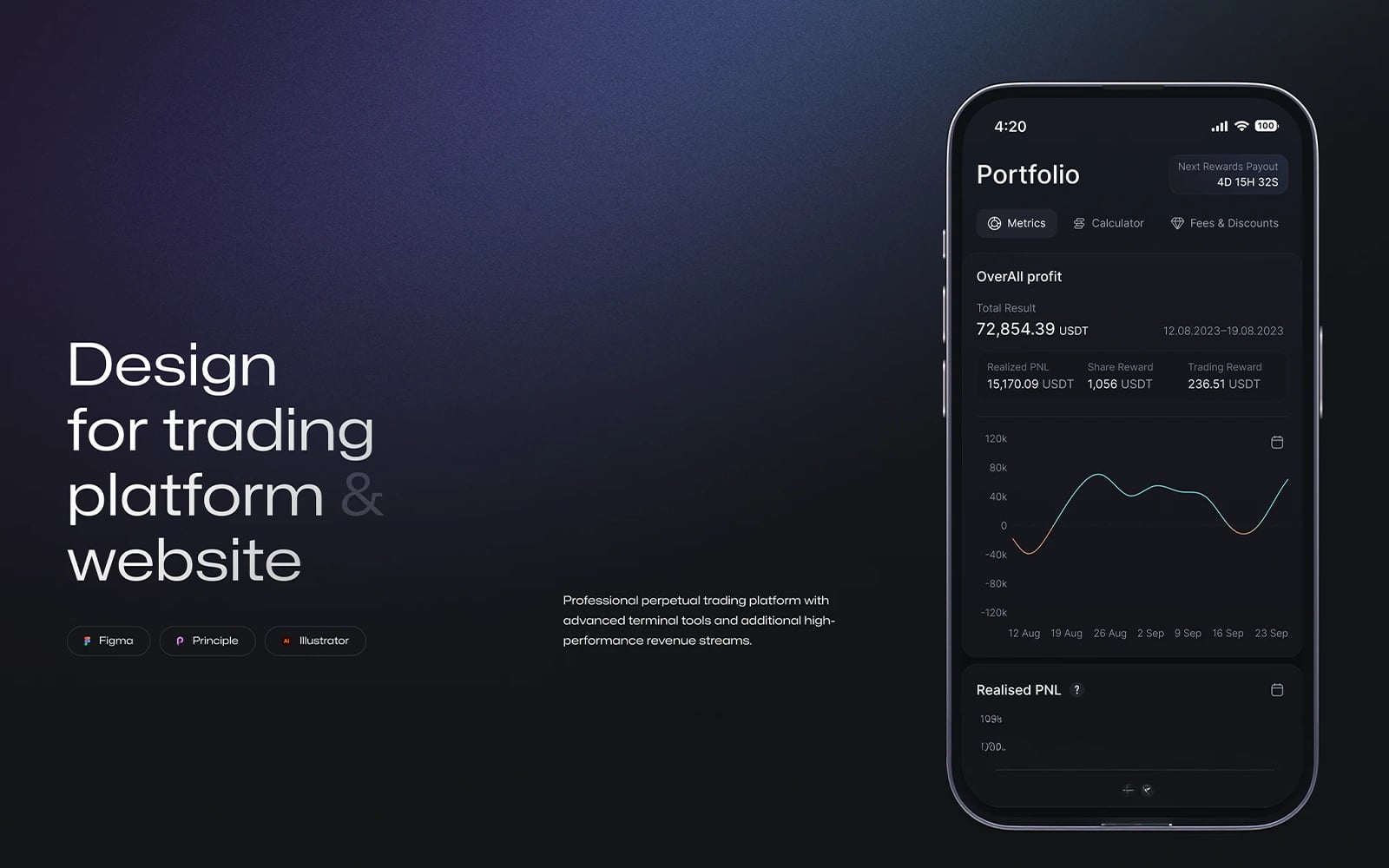
Fintech · UI/UX Design
XCore Trading Platform
A high-performance trading dashboard designed for active traders — real-time charts, advanced order types, and multi-market coverage in one unified interface.
View case study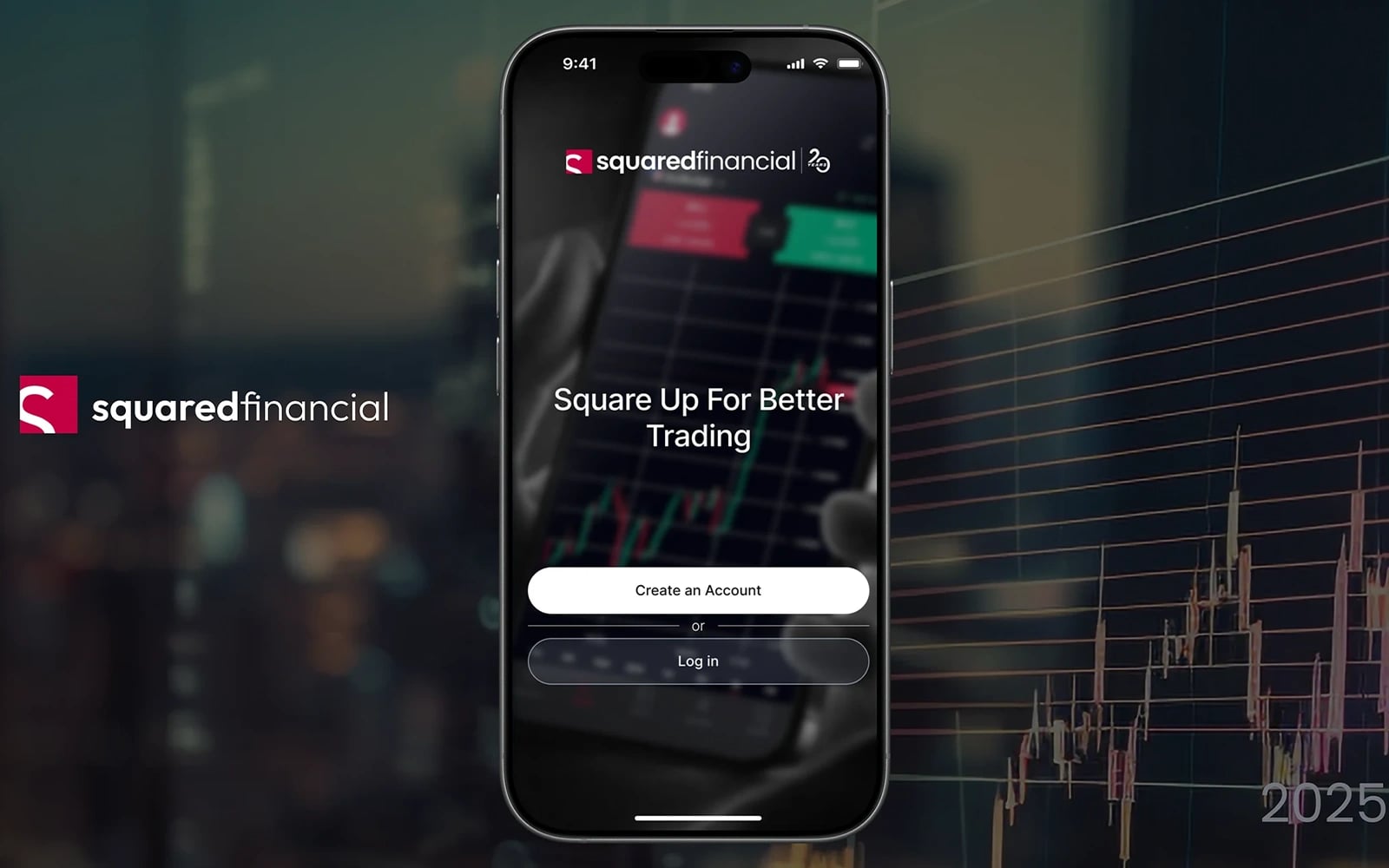
Fintech · UI/UX Design
Squared Financial — Trading Platform
A professional multi-asset trading platform interface — forex, commodities, indices, and crypto — designed for clarity, speed, and trader confidence.
View case study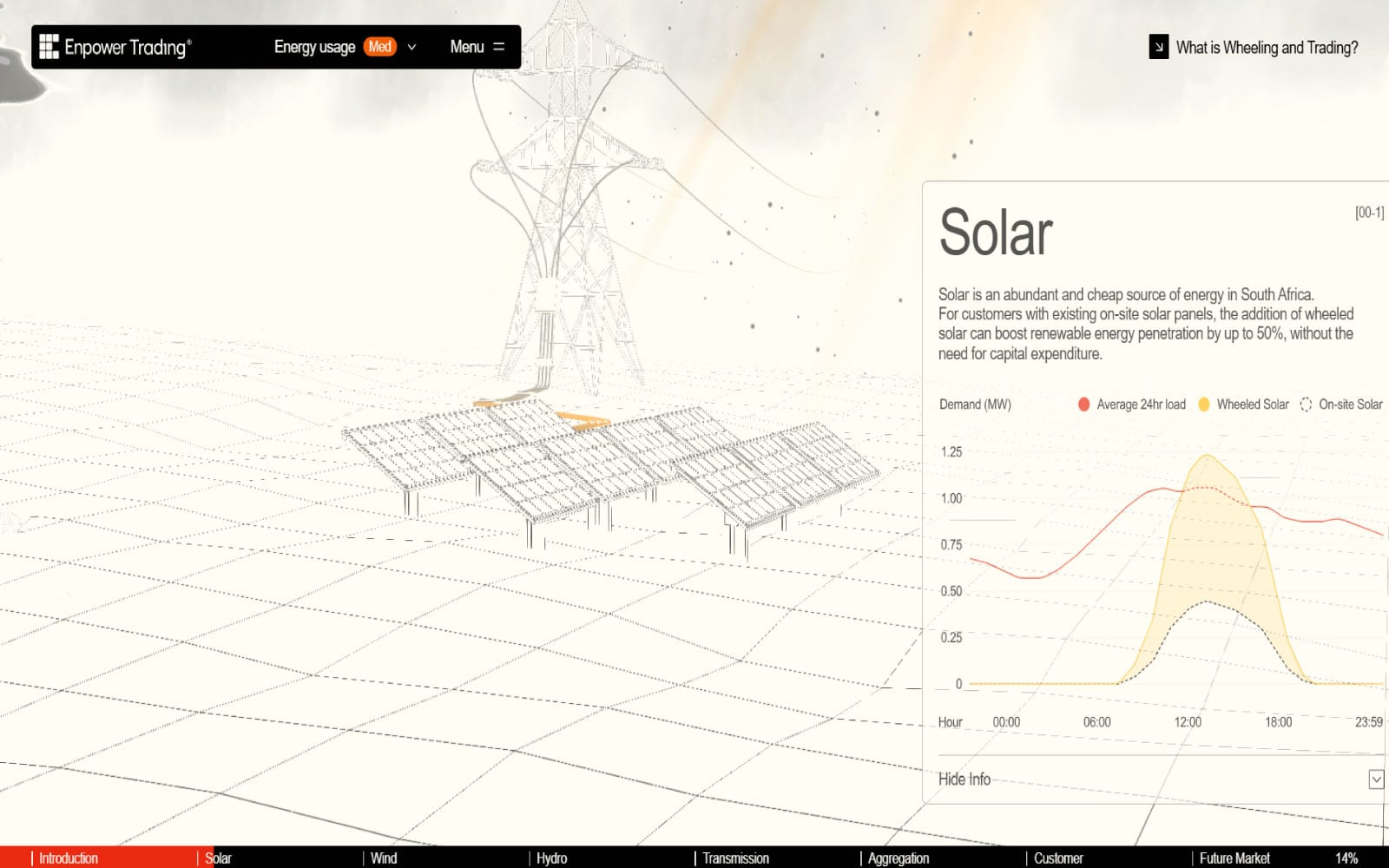
Fintech · Web Development
Enpower Trading
A professional energy trading platform website for a South African commodities trading firm — built to communicate trust, scale, and industry expertise.
View case studyMore articles
Keep reading

Trading Dashboard Design: 15 Best Practices for 2026
Data-dense doesn't have to mean overwhelming. Here's how to design trading dashboards that make complex financial data feel simple and actionable.

How to Design a Crypto Exchange That Traders Actually Trust
In crypto, trust is everything — and trust starts with the interface. Here's how to design an exchange that feels safe, fast, and professional.
Payment Gateway UX: Designing Checkout Flows That Convert
The checkout flow is where money is made or lost. Here's how to design payment experiences that minimize friction and maximize conversions.

Written by Zenix UX
A Canada-based UI/UX design & web-development studio building for iGaming, fintech, and product teams across Europe and beyond.