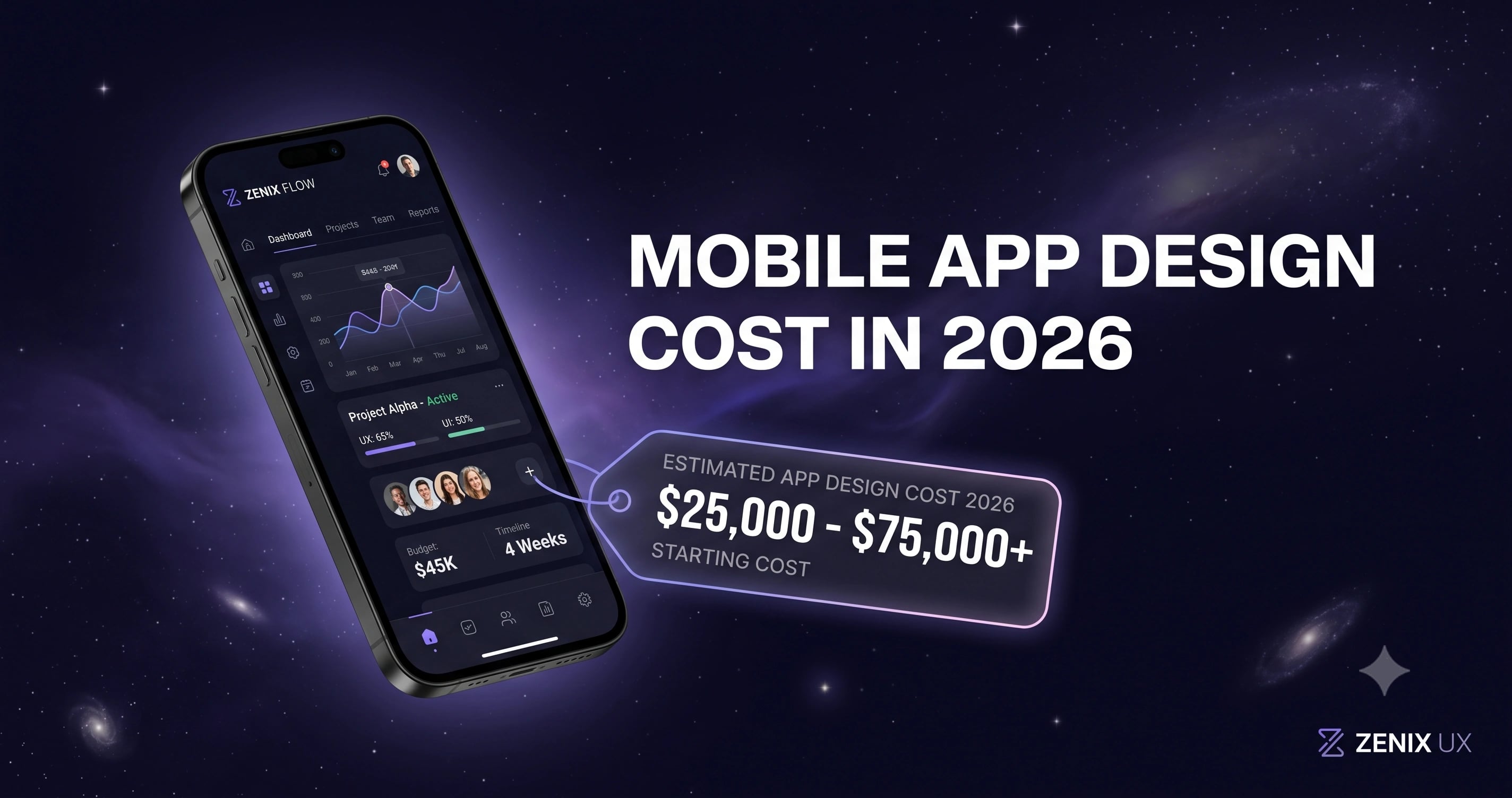
Mobile App Design Cost in 2026: What You'll Actually Pay
By Zenix UX · August 11, 2026 · 8 min read
"How much for an app?" is one of those questions that genuinely can't be answered honestly with a single number — a 10-screen fitness tracker and a 50-screen fintech product are entirely different jobs wearing the same three-word question. Here's what each tier actually costs, based on real engagements rather than a rate card built to look impressive on a homepage.
Simple App (1–10 Screens): $2,800 – $7,800
This covers focused, single-purpose apps — a utility tool, a simple content app, an MVP meant to validate an idea before deeper investment. The variance here comes down to how much custom illustration and animation work is involved versus a cleaner, more restrained visual system.
Medium App (11–25 Screens): $6,250 – $17,500
Most consumer apps with real depth — onboarding, a home dashboard, several core features, settings — land in this tier. Lumin is a representative example: 40+ screens covering onboarding, tracking, social features, and a full design system, sitting toward the upper half of this range because of that breadth.
Complex App (26–60 Screens): $8,800 – $31,900
Multi-platform products with genuine complexity — think a crypto wallet spanning mobile and web, with distinct simple and advanced modes, security flows, and dozens of edge-case states — sit here. Node Crypto Wallet, with 60+ screens across mobile and web and an 80-component design system, is squarely in this category.
What Actually Moves the Price Within Each Tier
- Platform coverage — designing for iOS and Android as genuinely separate systems (rather than one design stretched across both) adds real scope.
- Custom illustration and iconography — a bespoke icon set and illustration style costs meaningfully more than working within an existing icon library.
- Animation and micro-interaction depth — subtle transitions are relatively cheap; a fully choreographed onboarding sequence is not.
- Number of distinct user states — empty states, error states, and edge cases multiply the actual screen count well beyond what the "core flow" count suggests.
Design-Only vs. Design + Development
The numbers above are design-only. If you need the app actually built — native iOS/Android or a cross-platform framework — that's a separate and typically larger line item, scoped against the same complexity factors plus backend requirements. We quote both together whenever a client wants a single team accountable for the whole product, design through launch.
Getting an Accurate Number
The fastest way to get a real quote rather than a range is to bring a rough feature list and, if you have one, a couple of reference apps whose quality bar you're aiming for. Our pricing page breaks down the mobile app tiers in more detail, and reaching out directly with your actual scope gets you a firm number, not a guess.
Need help with your mobile app?
Let’s talkRelated projects
See it in practice
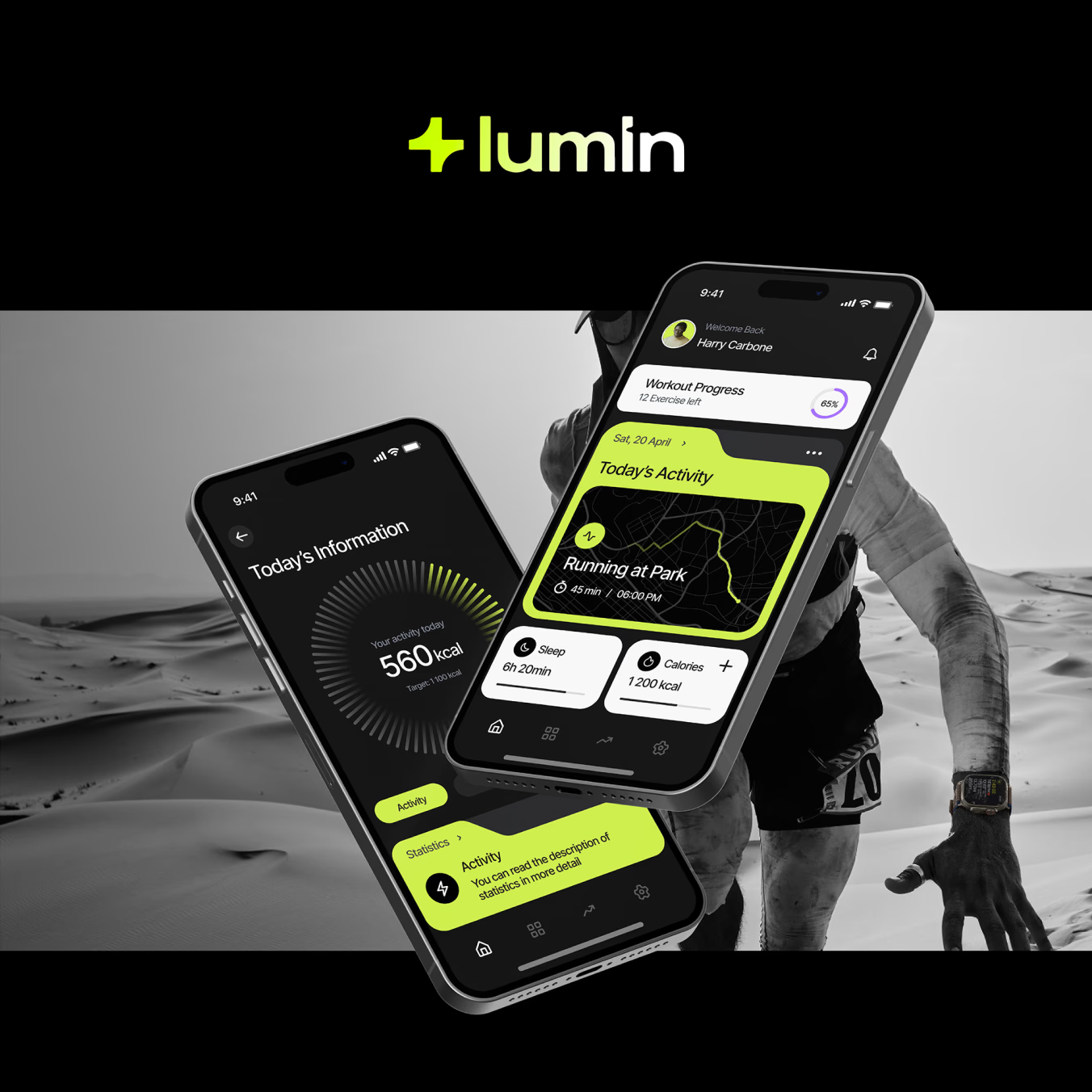
Health & Fitness · UI/UX Design
Lumin Mobile App
A refined fitness tracking mobile app with an elegant, minimal interface — designed for iOS and Android to help users track workouts, nutrition, and wellness goals.
View case study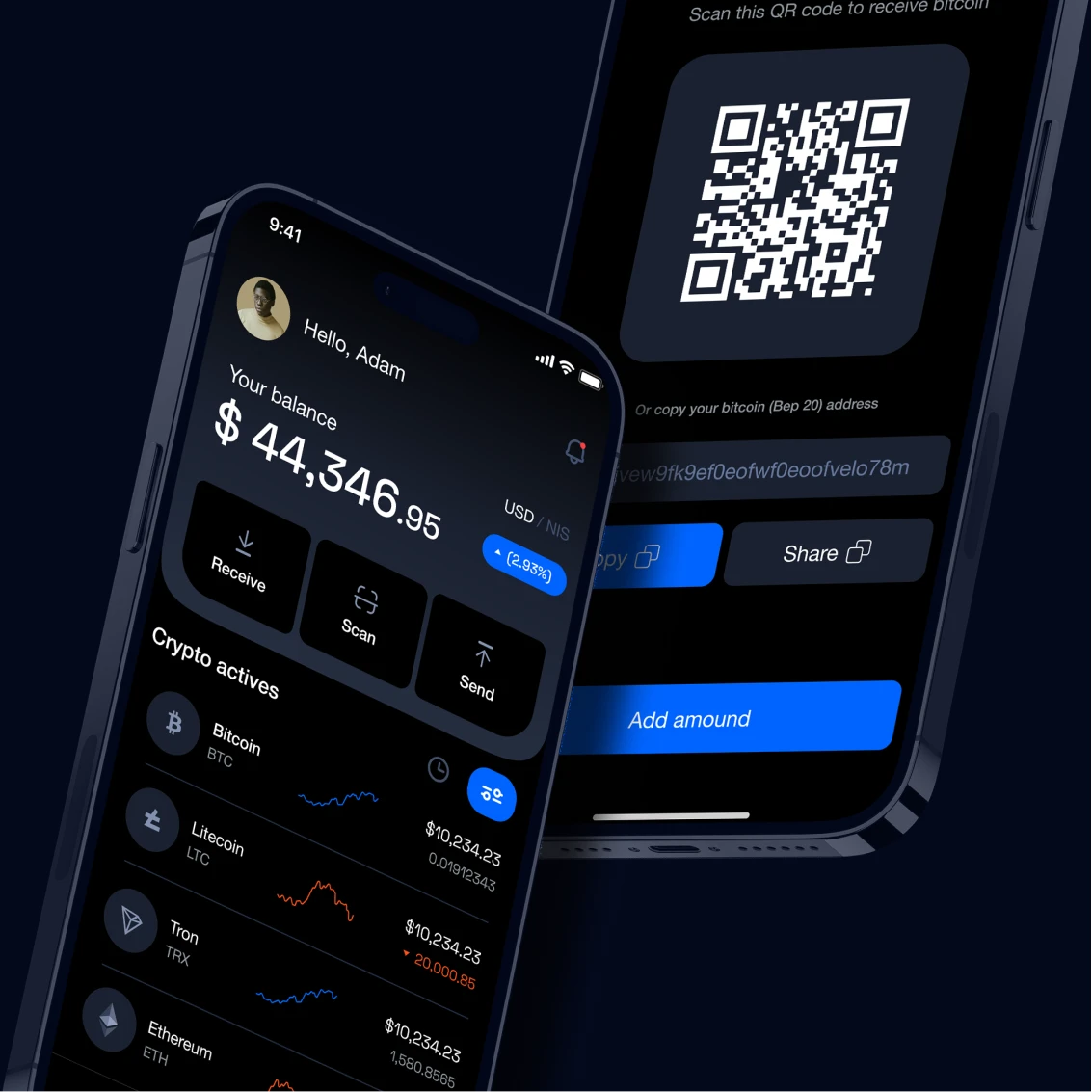
Crypto · UI/UX Design
Node Crypto Wallet
A secure, user-friendly crypto wallet interface — designed to make sending, receiving, and managing digital assets feel as simple as using a banking app.
View case studyMore articles
Keep reading

The UI/UX Design Process Explained: From Research to Launch
What actually happens when you hire a design agency? Here's our 4-phase process, demystified — so you know exactly what to expect.
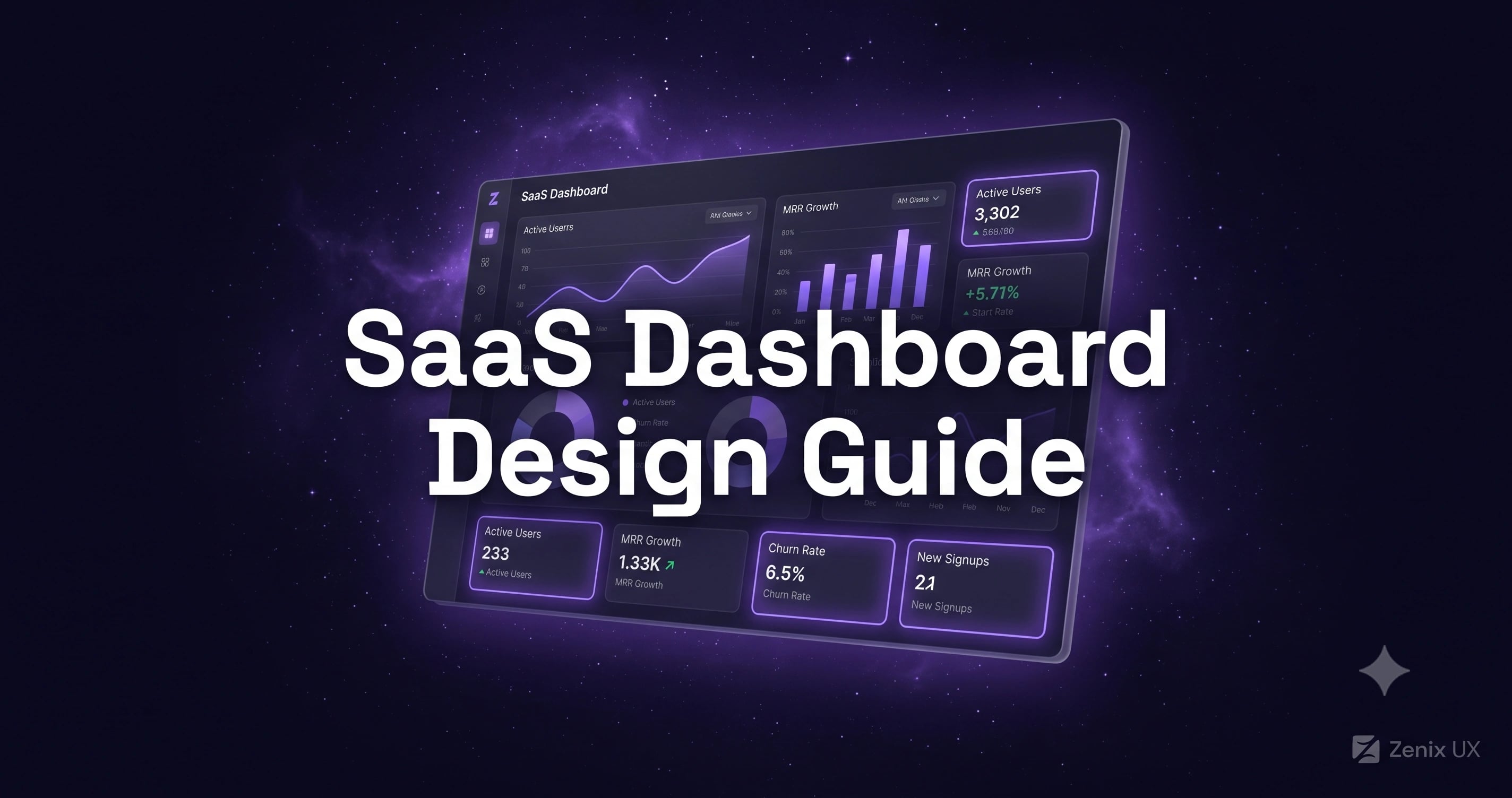
SaaS Dashboard Design: How to Reduce Churn Through Better UX
Your SaaS dashboard is where retention is won or lost. Here's how to design dashboards that keep users coming back.

The Best UI/UX Design Tools in 2026: What We Actually Use
Figma, Framer, Webflow — there are dozens of design tools. Here are the ones we use daily at Zenix UX, and why.

Written by Zenix UX
A Canada-based UI/UX design & web-development studio building for iGaming, fintech, and product teams across Europe and beyond.